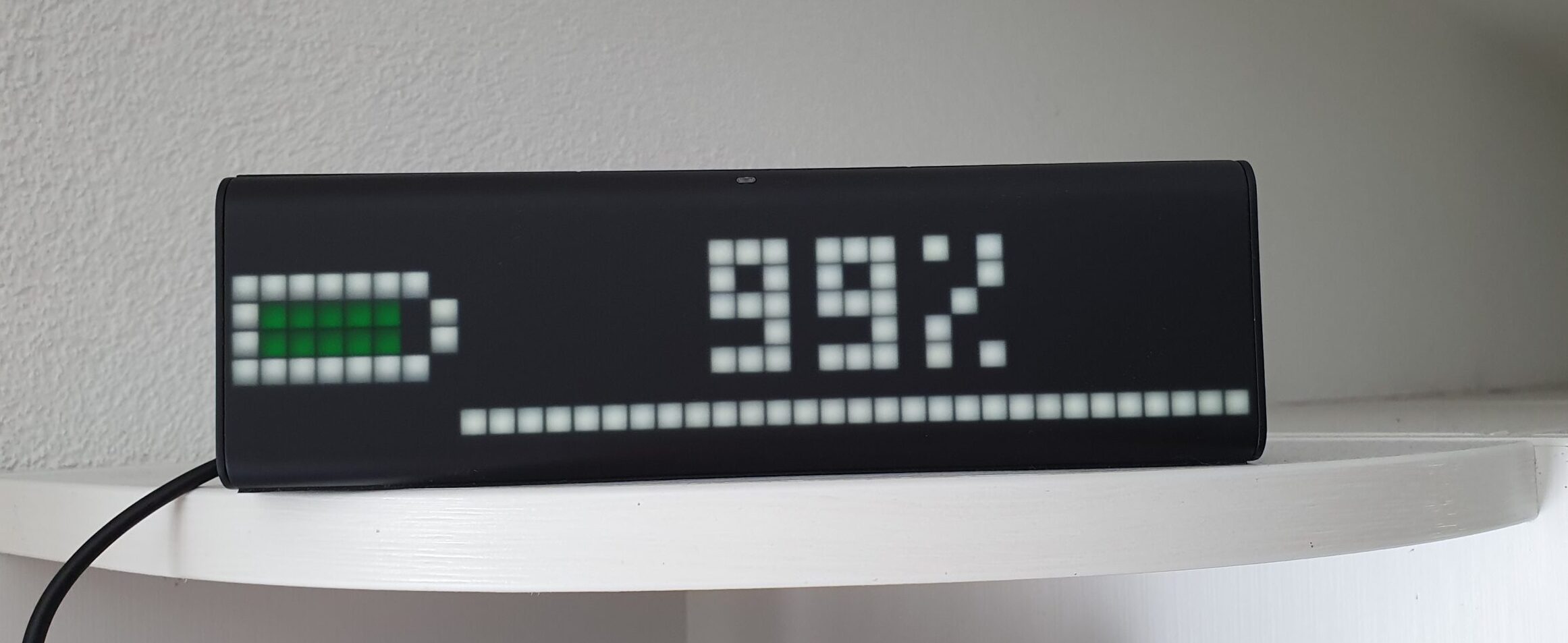
Die LaMetric Anzeige eignet sich hervorragend, um weitere Informationen zum Stromverbrauch und Batterieladestand von HomeAssistant anzeigen zu lassen. Auch in diesem Fall unterstützt mich die NodeRed Integration hier.
Zigfred LED mit HomeAssistant
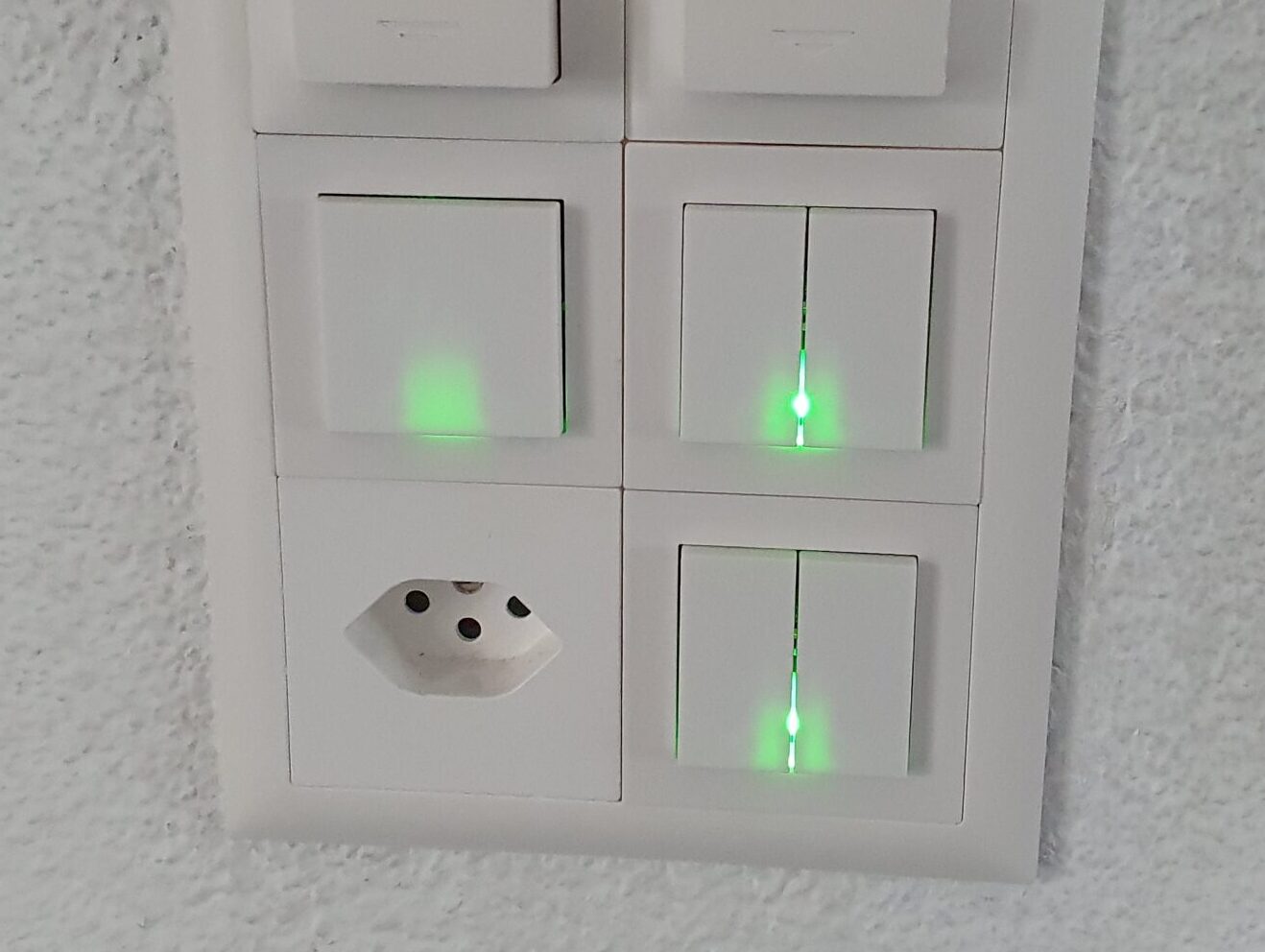
Wie kann ich auf einfache Art und Weise anzeigen, dass meine Waschmaschine fertig ist? Oder mein Geschirrspüler auf das Ausräumen wartet? Oder gerade mehr als genug Strom in der Batterie ist, dass man gut und gerne noch etwas den Tumbler in Betrieb nehmen kann?
Sonnenbatterie in HomeAssistant
Nach dem Einbau der Sonnenbatterie musste diese natürlich noch in HomeAssistant integriert werden. Da es keine Direktintegration gibt, habe ich das direkt mit der vorhandenen REST JSON API bewerkstelligt. Hier eine kleine Anleitung.
Mit dem Elektroauto nach Travemünde

Im Frühling 2022 gings auf eine weitere lange Reise nach Norddeutschland – selbstverständlich ebenfalls mit dem Elektroauto. Die Dichte der Ladestationen hat massiv zugenommen – mit einem Tesla ist eine solche Reise nur noch absolut unproblematisch. Einmalig wurden wir gar aufgrund einer zukünftigen Überlastung eines Superchargers frühzeitig auf einen anderen umgeleitet.
Mit dem Elektroauto nach Holland
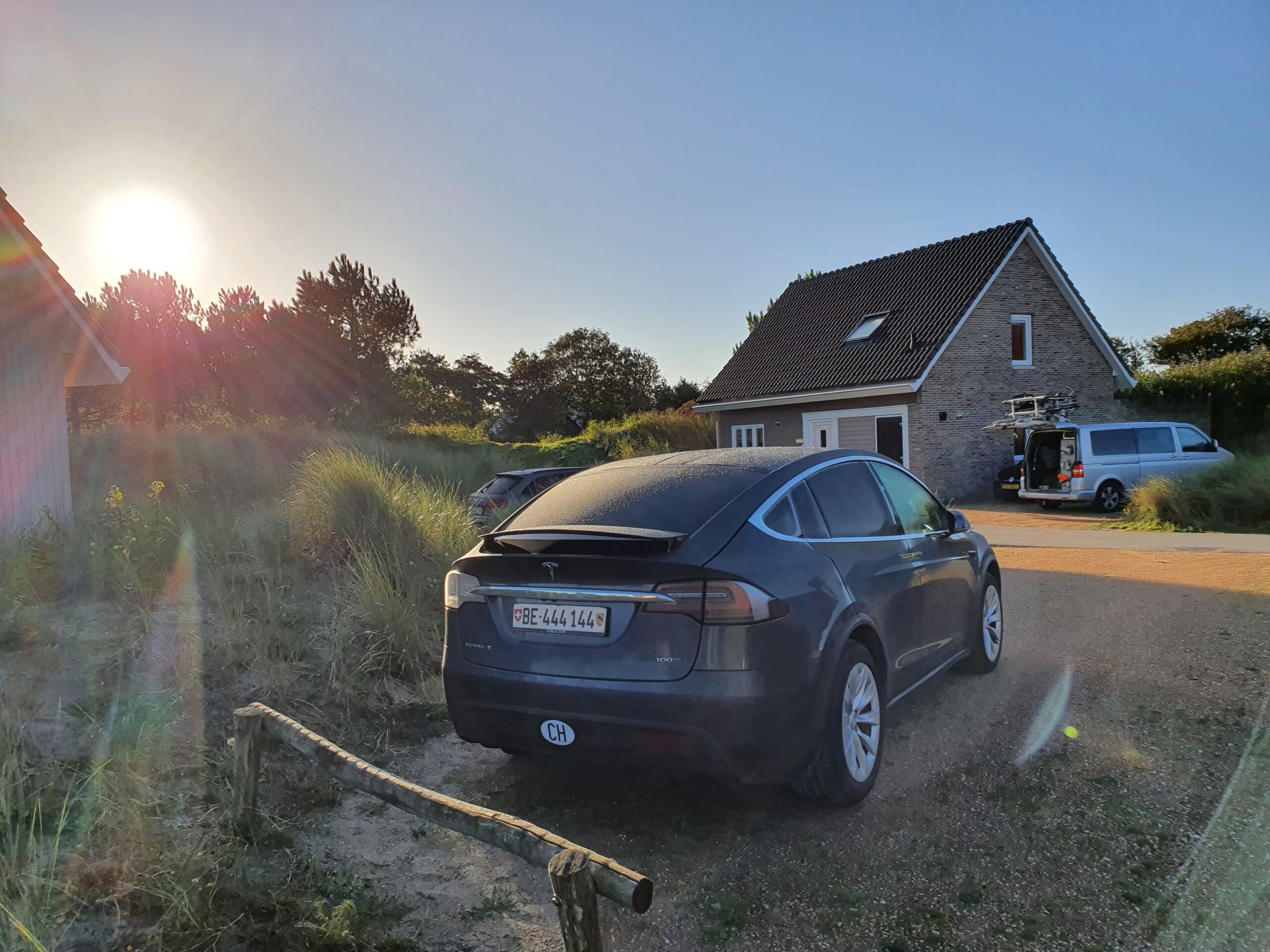
Die letzten 10 Tage waren wir mit unseren Kindern in Holland. Mit dem Elektroauto. Absolut problemlos. Hier die Fahrt nach Holland und zurück als Twitter Thread…